Contour profile
Uses face length and forehead, cheek and jaw width relationships.
Get named haircuts with a suggested variation, maintenance notes and a description to take to your stylist. Use your recent local face-shape result or analyze a photo, then choose the length, texture and routine you prefer.
Find haircut ideas →Analyze a photo below, or use the face-shape detector first. Your latest result can be reused in this tab for 30 minutes.
Analyze a photoPreferences are optional and stay on this page. Maintenance includes styling and trims; the notes explain what each cut needs.
The match labels describe our styling rules, not a measured probability that a haircut will suit you. Hair density, growth patterns and your taste still matter. Illustrations show the intended silhouette; they are not previews of you.
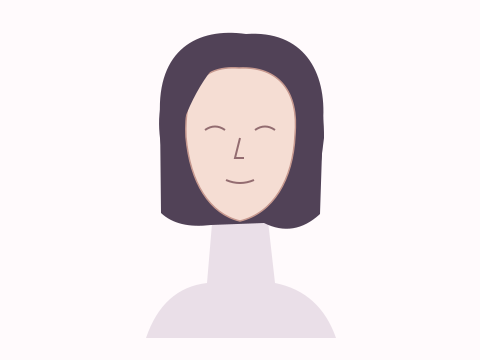
A full bob around the jaw, with a substantial perimeter and softly curved ends.
See face-shape variations →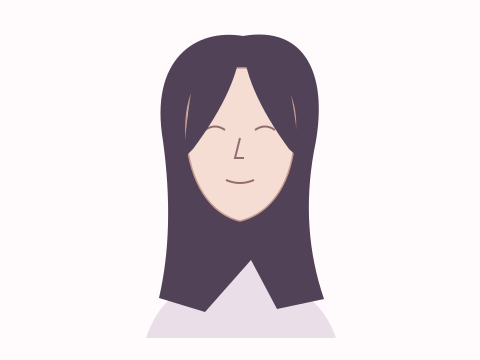
A parted fringe that starts shorter near the center and lengthens toward the sides.
See face-shape variations →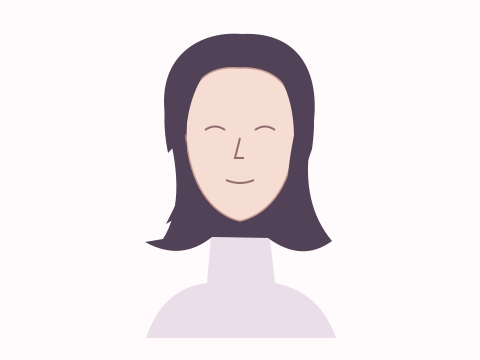
A bob with a relatively smooth upper section and ends styled to flare outward.
See face-shape variations →Upload a front-facing photo — face-shape detection runs locally, and the image is never sent to a server or used to train a model.
Front-facing, neutral expression, even light. JPG, PNG, WebP, HEIC or HEIF up to 10 MB.
or drag and drop it here
A typical first run loads about 15 MB of model/runtime files, then the browser caches them. Nothing is submitted to our analysis API.
The first run can take a moment. Your photo remains on this device.
Your photo and landmarks stay in page memory and are cleared when you reset or leave. Face-shape tools keep a small result summary in this tab for up to 30 minutes so you can continue to hairstyles or glasses. Clear the result to remove it.
The finder recommends named cuts with a suggested variation, maintenance notes and a stylist description. Your hair texture, density and growth pattern determine how the cut behaves between appointments.
By AI Rate Face · Updated September 14, 2026 · Sources & reference choices
The output is built from inspectable photo geometry and a separate image-quality signal.
Uses face length and forehead, cheek and jaw width relationships.
Keeps recommendations useful when your contour sits between categories.
Suggestions describe where volume, length or diagonal lines may be placed.
The local model traces one unobstructed face contour.
Seven broad shape profiles are compared using scale-independent ratios.
Named haircuts are ranked across the face-shape distribution, then filtered by your length, texture and maintenance preferences.
Hair texture, density, growth pattern, maintenance and personal style matter more than face shape alone.
The tool recommends haircuts and variations; reference illustrations are not a virtual haircut on your photo.
Contour matches can change when hair, facial hair or pose obscures the face.
No. They are visual-balance starting points. The best choice is one you like and can maintain with your hair texture.
Most faces do not fit one category exactly, so the alternate can suggest another useful styling direction.
You can use it as a conversation prompt, then let a stylist account for texture, density, growth and upkeep.
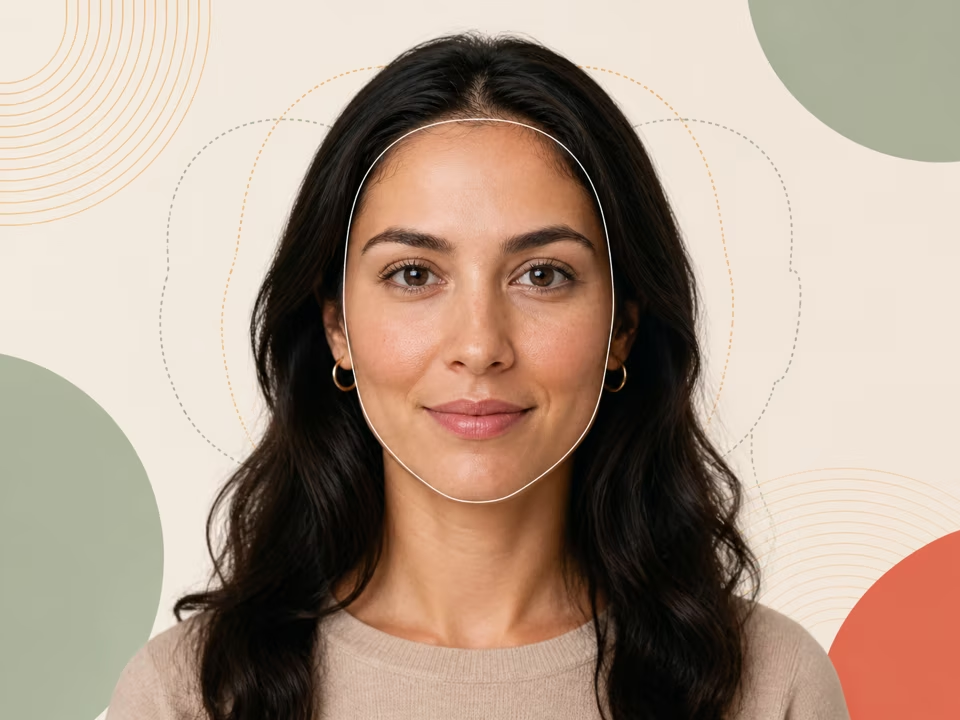
Free face shape detector: upload a photo to rank oval, round, square, oblong, heart, diamond and triangle against your visible contour widths and jaw angles.
Open tool →
Free glasses finder: upload a photo for frame-shape starting points from local face-contour ratios, with fit, comfort and prescription needs kept first.
Open tool →
Free jawline test: upload a photo to measure visible jaw contour balance, side-to-side angle difference, jaw-to-cheek width and lower-third share.
Open tool →