Face proportions
Compares visible length with forehead, cheek and jaw widths.
Upload a photo to detect your closest visible face-shape matches and get frame ideas that use contrast or balance. Your image stays on your device, and the page keeps optical fit and comfort ahead of style shorthand.
Analyze a photo →Bridge fit, frame width, pupil alignment, prescription and comfort come first. These are styling suggestions, not a fitting assessment. The result is kept in this tab for 30 minutes.
Upload a front-facing photo — your image stays on your device while the browser calculates the visible contour profile.
Front-facing, neutral expression, even light. JPG, PNG, WebP, HEIC or HEIF up to 10 MB.
or drag and drop it here
A typical first run loads about 15 MB of model/runtime files, then the browser caches them. Nothing is submitted to our analysis API.
The first run can take a moment. Your photo remains on this device.
Your photo and landmarks stay in page memory and are cleared when you reset or leave. Face-shape tools keep a small result summary in this tab for up to 30 minutes so you can continue to hairstyles or glasses. Clear the result to remove it.
The output is built from inspectable photo geometry and a separate image-quality signal.
Compares visible length with forehead, cheek and jaw widths.
Suggestions pair straighter contours with curves, or softer contours with angles.
Bridge, pupil alignment, temple pressure and lens height remain explicit priorities.
A local model traces one front-facing visible contour.
The ratios produce primary and alternate broad shape profiles.
Frame ideas are generated as starting points, alongside fit caveats.
A photo cannot measure bridge fit, pupillary distance, temple width or prescription requirements.
Frame colour, material, scale and personal expression can matter as much as shape.
Always use measurements and advice from a qualified optician for prescription eyewear.
No. A single photo has no reliable physical scale. Use an optician's measurements for size and optical alignment.
No. Contrast-based frame advice is a styling convention, not a rule.
Optical alignment, bridge and temple fit, lens requirements and comfort come before the face-shape suggestion.
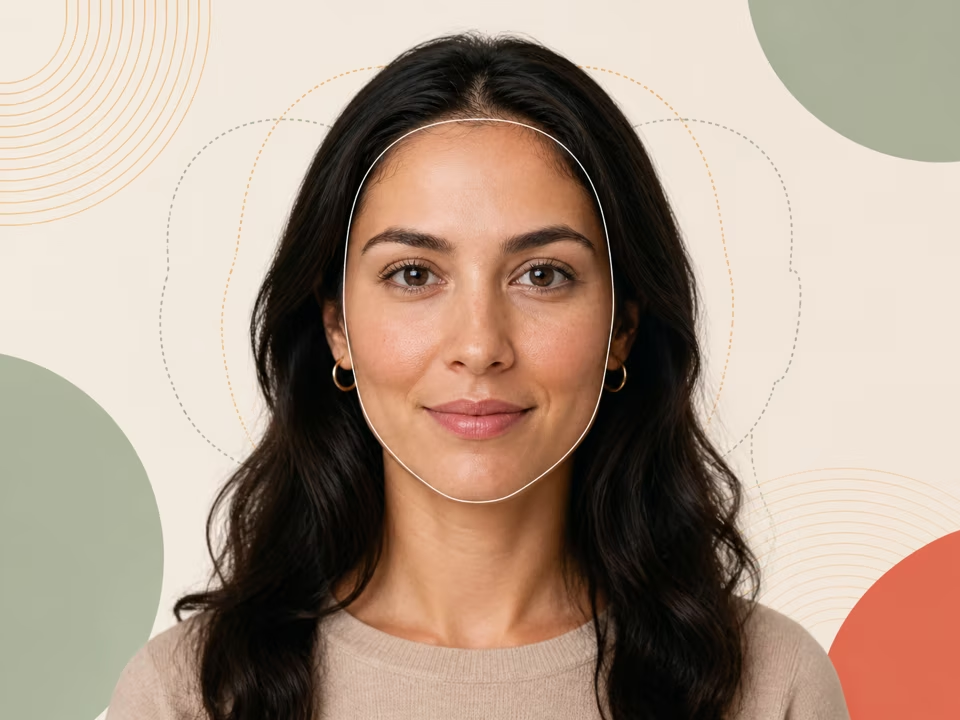
Free face shape detector: upload a photo to rank oval, round, square, oblong, heart, diamond and triangle against your visible contour widths and jaw angles.
Open tool →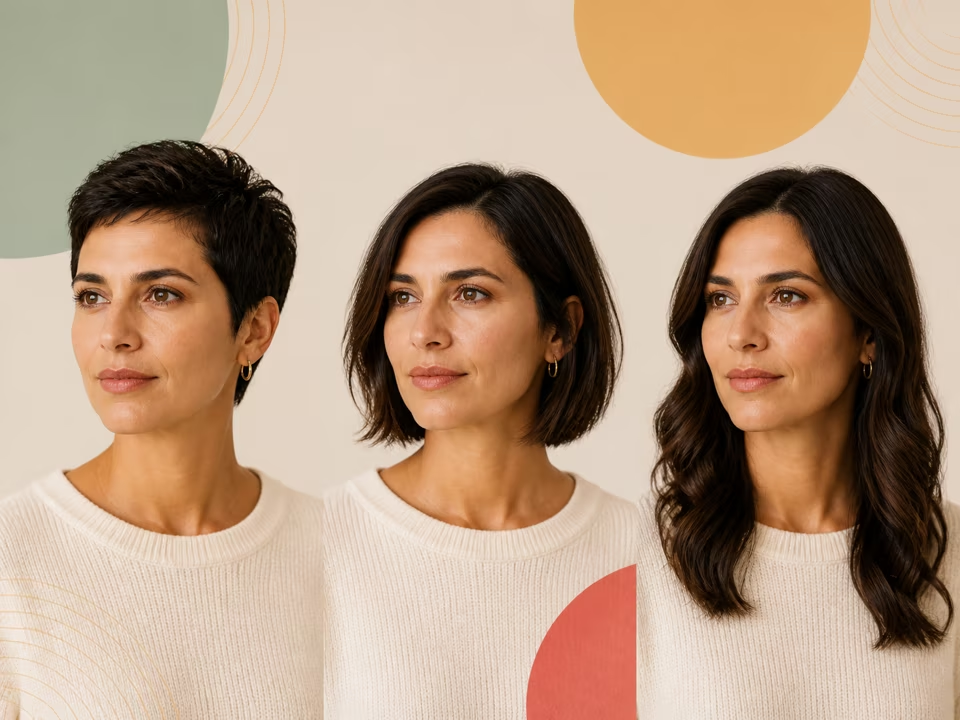
Find specific haircuts for your face shape. Reuse your local result, filter by length, texture and maintenance, and copy a note for your stylist.
Open tool →
Free eye shape detector: upload a photo to estimate almond-like, round-like or narrow-like eye geometry from width, opening, tilt and side-to-side agreement.
Open tool →