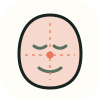
Phi divisions
The face box is cut at 0.382 and 0.618 of its width and height, the two golden sections of each axis.
Upload a photo and see a golden-section grid drawn over your own face — the phi divisions of face width and height, next to the eye line, nose base and mouth line the photo actually measures. Set the opacity, then download the overlay as a PNG.
Analyze a photo →Upload a front-facing photo — the grid is drawn onto a canvas in this browser and the image is never uploaded.
Front-facing, neutral expression, even light. JPG, PNG, WebP, HEIC or HEIF up to 10 MB.
or drag and drop it here
A typical first run loads about 15 MB of model/runtime files, then the browser caches them. Nothing is submitted to our analysis API.
The first run can take a moment. Your photo remains on this device.
Your photo and landmarks stay in page memory and are cleared when you reset or leave. Face-shape tools keep a small result summary in this tab for up to 30 minutes so you can continue to hairstyles or glasses. Clear the result to remove it.
The output is built from inspectable photo geometry and a separate image-quality signal.
The face box is cut at 0.382 and 0.618 of its width and height, the two golden sections of each axis.
The eye line, nose base and mouth line are drawn from your own landmarks, so the gap between grid and face is visible rather than asserted.
A slider fades the grid from invisible to solid so you can read the photo underneath at any strength.
A browser-based model finds one face and the landmarks the grid anchors to.
The golden sections of the face box are drawn, then your measured feature lines are drawn over them.
Change the opacity and download the composed image as a PNG.
This grid is a plain golden-section construction of the face box. It is not any commercial, clinical or proprietary mask template, and it is not the Marquardt mask.
A mask drawn on a 2D photo inherits every distortion in that photo: focal length, distance, head angle and expression all move where the lines land.
Phi is one mathematical reference among many. Distance from the grid is not a defect, and closeness to it is not beauty.
A grid drawn over a face at the golden-section proportions, so you can see where the measured features sit relative to those divisions. It is a visualisation of a ratio, not a measurement of attractiveness.
No. This page draws a generic golden-section grid from your own face box and landmarks. It does not reproduce the Marquardt Beauty Analysis mask or any other proprietary template.
Yes. The grid is composed onto a canvas in your browser, and the download button saves that canvas as a PNG. Nothing is uploaded at any point.
It rarely lines up exactly on anyone. The grid is a fixed geometric construction, while a face is soft tissue photographed at one angle. The distance between the two is the thing the page shows you.
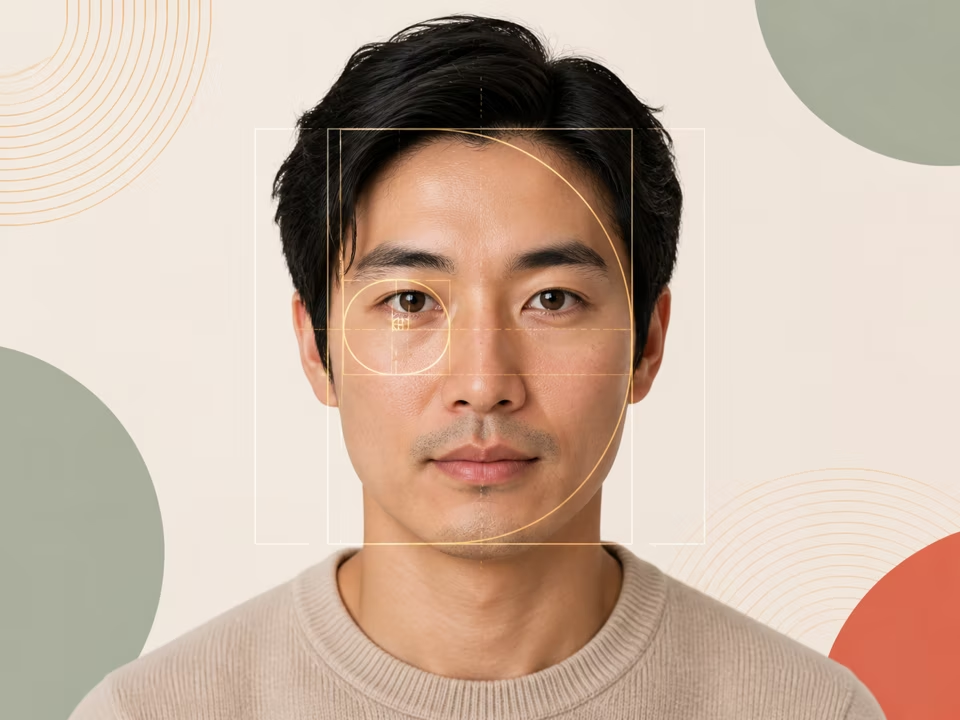
Free golden ratio face calculator: upload a photo to get your golden ratio face score, with every measured ratio, its phi reference and the difference shown.
Open tool →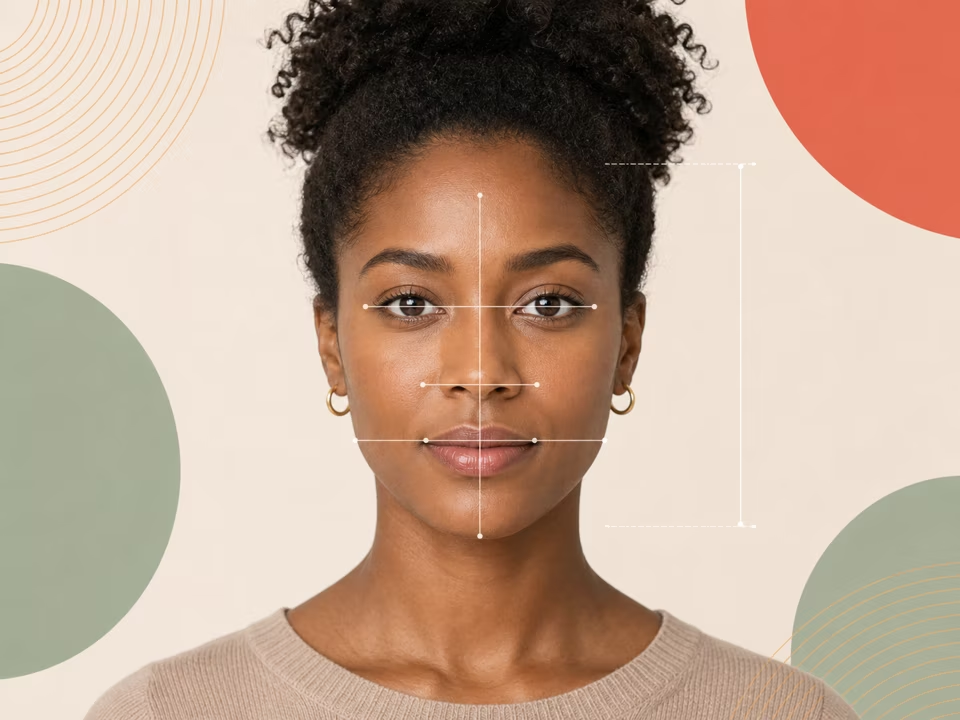
Free face ratio calculator: upload a photo to measure your facial proportions — thirds, fifths-related eye spacing and feature widths — with an annotated image.
Open tool →
Free facial harmony test: upload a photo for a 0–100 harmony score from six weighted relationships, plus what helps it, what lowers it and what is only the photo.
Open tool →