Six weighted parts
Symmetry, facial thirds, feature widths, jaw balance, midface proportion and eye spacing each carry a published weight.
Harmony is a relationship between features, not a single measurement. Upload a photo and this calculator scores six weighted relationships, then separates the parts you could change from the parts that belong to the photograph.
Analyze a photo →Upload a photo — six weighted relationships are measured in this browser, and nothing about the image is uploaded.
Front-facing, neutral expression, even light. JPG, PNG, WebP, HEIC or HEIF up to 10 MB.
or drag and drop it here
A typical first run loads about 15 MB of model/runtime files, then the browser caches them. Nothing is submitted to our analysis API.
The first run can take a moment. Your photo remains on this device.
Your photo and landmarks stay in page memory and are cleared when you reset or leave. Face-shape tools keep a small result summary in this tab for up to 30 minutes so you can continue to hairstyles or glasses. Clear the result to remove it.
The output is built from inspectable photo geometry and a separate image-quality signal.
Symmetry, facial thirds, feature widths, jaw balance, midface proportion and eye spacing each carry a published weight.
Components above the reference are listed as helping; those clearly below it are listed as reducing.
Lighting, focus, framing and pose are reported apart from the harmony score so they are not mistaken for facial traits.
One local landmark pass supplies every distance, angle and ratio the score needs.
Each component is scored against its reference, then combined using fixed published weights.
The result is split into facial relationships and photographic conditions.
Harmony here means measured proximity to this tool's stated references, not beauty, desirability or social value.
Different clinicians, artists and apps define facial harmony differently; scores are not comparable across tools.
All six components are measured from one 2D photo, so pose, lens and expression move them.
On this page it is a weighted average of six measured relationships between visible facial features, expressed from 0 to 100. It describes internal proportion, not attractiveness.
Symmetry compares the left and right sides of one face. Harmony compares features with each other — thirds, midface, eye spacing, feature widths and jaw balance — so a perfectly symmetrical face can still score differently on harmony.
Lighting, sharpness, framing and head angle change what the landmarks can see. Keeping them in a separate list stops a lighting problem from reading as a facial trait.
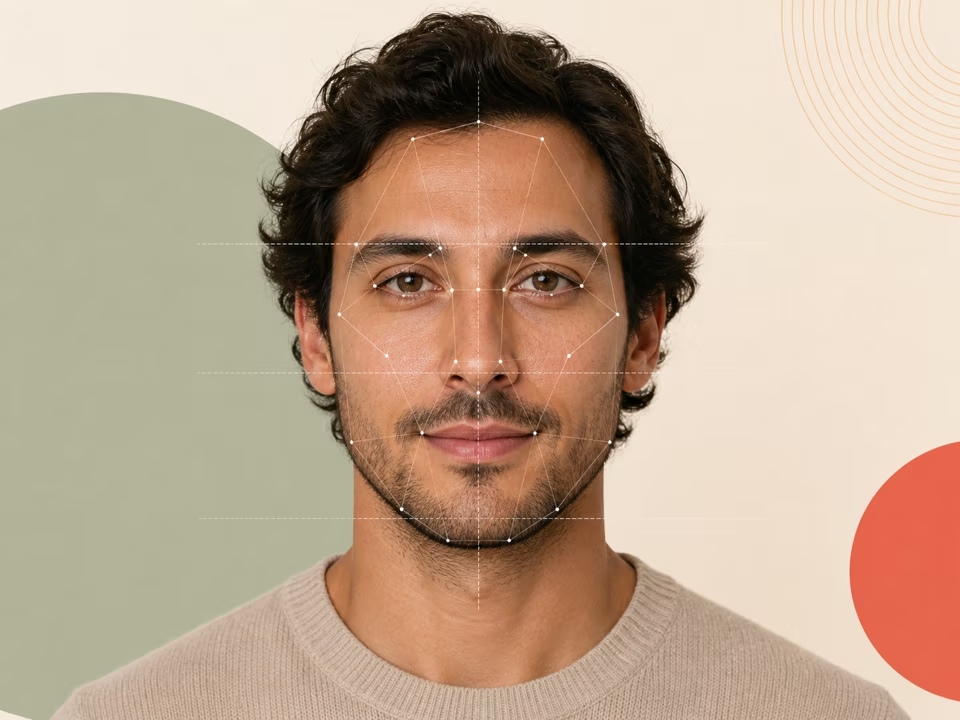
Free face symmetry test: upload a photo and check how symmetrical your face is region by region, with pose correction and an annotated overlay.
Open tool →
Free midface ratio calculator: upload a photo to check whether your midface is long, short or balanced, with the exact definition and both pixel distances shown.
Open tool →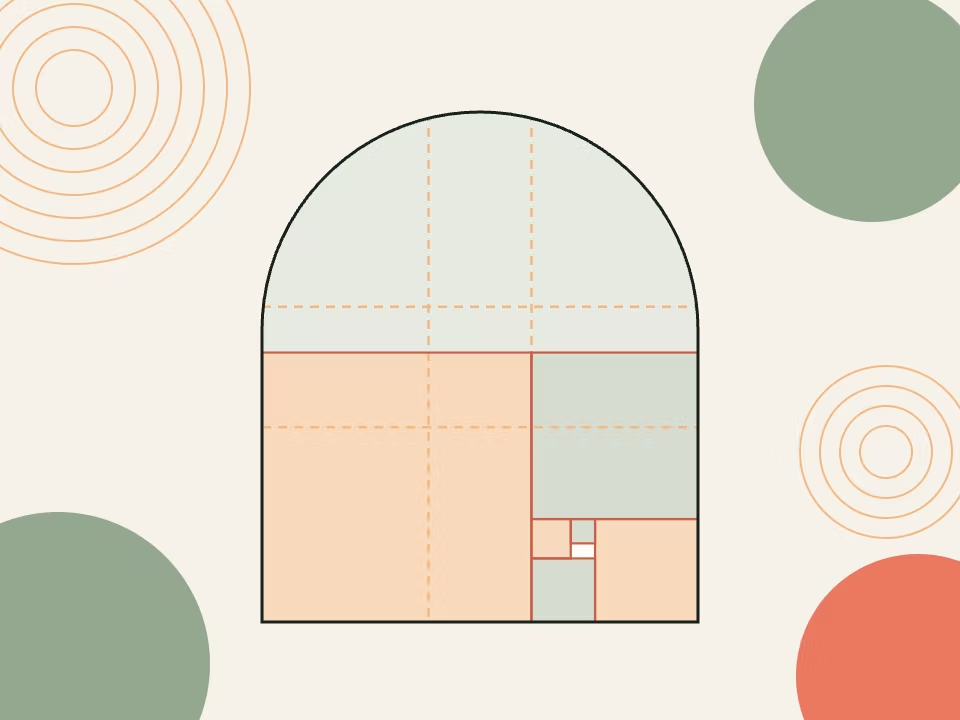
Free golden ratio face mask: upload a photo, overlay a phi proportion grid on it, set the opacity and download the result as a PNG.
Open tool →