Facial thirds
Estimates upper, middle and lower vertical sections from visible landmarks.
Upload one front-facing photo and this facial ratios calculator turns it into a neutral proportion table: vertical thirds, fifths-related eye spacing and feature widths. Values are shown as measured, with classical references labelled where they exist.
Analyze a photo →Upload a photo — every measurement happens on your device. Download the annotated image if you want to keep it.
Front-facing, neutral expression, even light. JPG, PNG, WebP, HEIC or HEIF up to 10 MB.
or drag and drop it here
A typical first run loads about 15 MB of model/runtime files, then the browser caches them. Nothing is submitted to our analysis API.
The first run can take a moment. Your photo remains on this device.
Your photo and landmarks stay in page memory and are cleared when you reset or leave. Face-shape tools keep a small result summary in this tab for up to 30 minutes so you can continue to hairstyles or glasses. Clear the result to remove it.
The output is built from inspectable photo geometry and a separate image-quality signal.
Estimates upper, middle and lower vertical sections from visible landmarks.
Compares face width, eye width and the inter-eye gap.
Reports nose and mouth width as a share of visible cheek-level width.
One face is mapped locally into a normalised coordinate set.
Distances are calculated in image-pixel space to preserve the photo aspect ratio.
Percentages and ratios are displayed with only clearly identified references.
The upper third depends on the visible hairline/forehead contour and can be affected by hair.
Classical thirds and fifths are artistic conventions, not requirements for a normal face.
The measurement is two-dimensional and changes with focal length, distance and head angle.
They are an artistic convention dividing the visible face vertically into upper, middle and lower sections.
Another classical convention treats facial width as roughly five eye widths, with about one eye width between the eyes.
Yes. After analysis you can download the photo with the relevant local landmark overlay.
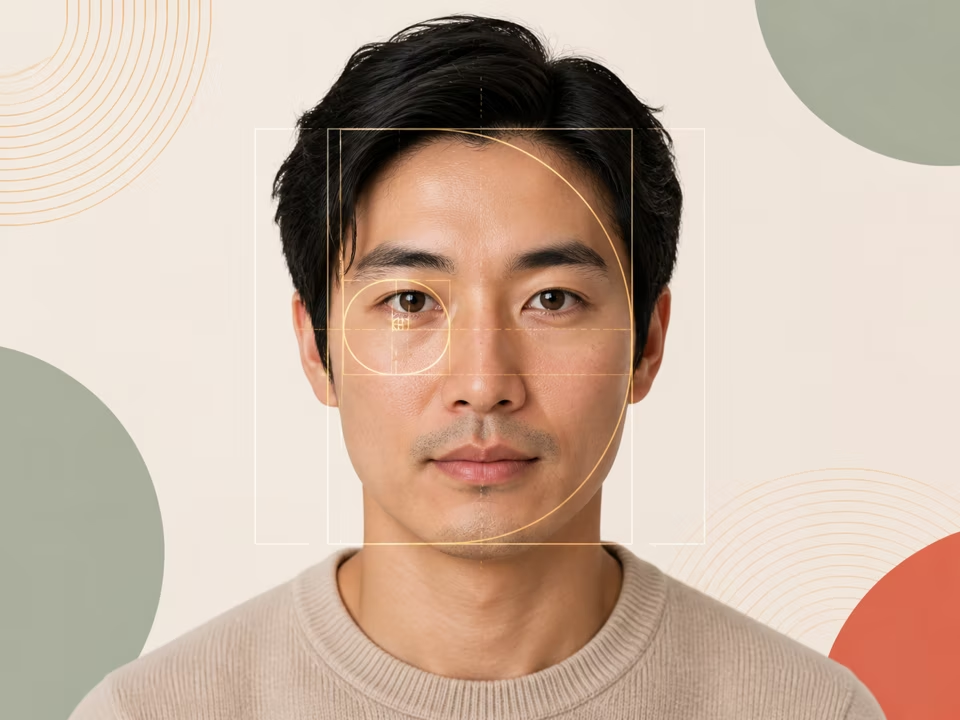
Free golden ratio face calculator: upload a photo to get your golden ratio face score, with every measured ratio, its phi reference and the difference shown.
Open tool →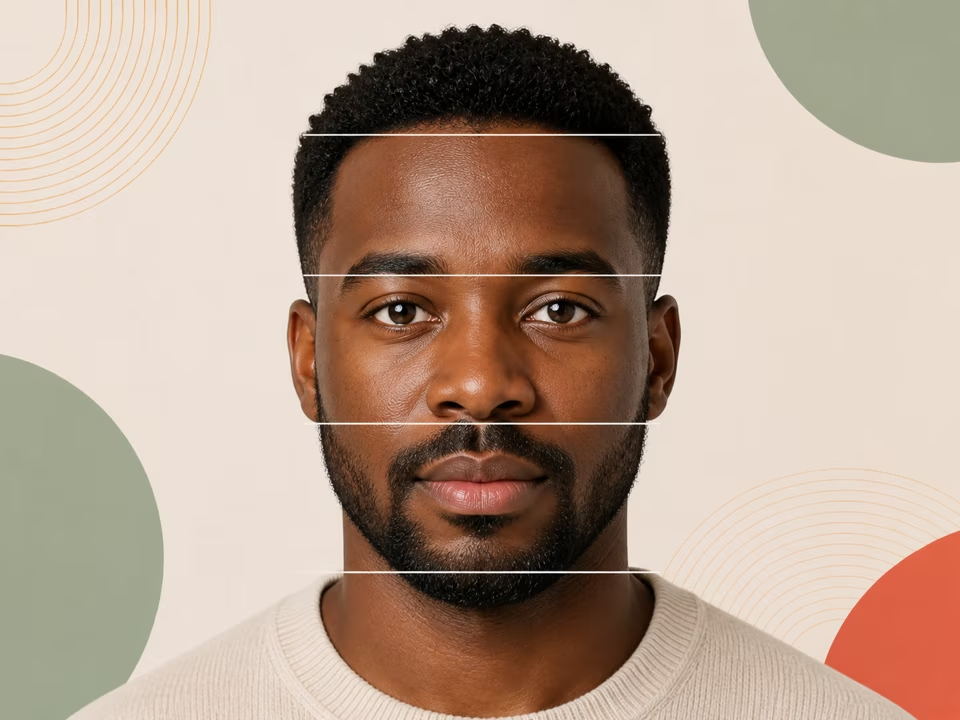
Free facial thirds calculator: upload a photo to measure your upper, middle and lower thirds as percentages and see how far each sits from the 33/33/33 reference.
Open tool →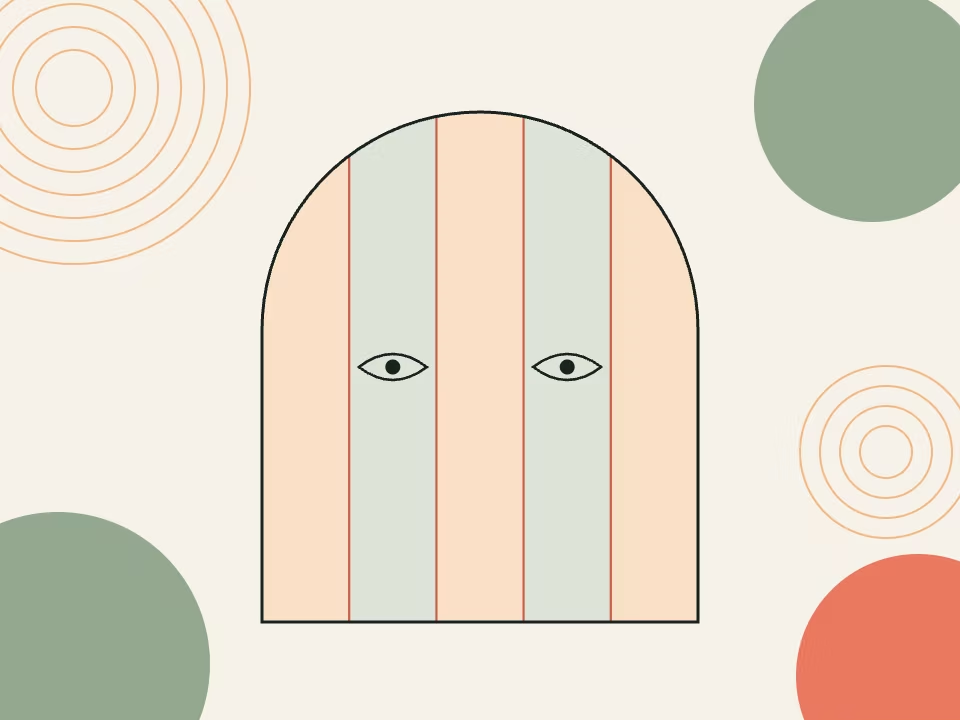
Free facial fifths calculator: upload a photo to split your face width into five segments and see how far each one sits from the one-eye-width reference.
Open tool →