Phi comparisons
Checks face-to-cheek, mouth-to-nose and cheek-to-mouth relationships against 1.618.
Upload a photo to get your golden ratio face score. Every measured ratio, its 1.618 reference and the difference between them are shown, so the result stays inspectable instead of arriving as one unexplained number — and the photo never leaves your browser.
Analyze a photo →Upload a photo — it is measured in this browser and never uploaded. The score reports mathematical proximity, not attractiveness or personal worth.
Front-facing, neutral expression, even light. JPG, PNG, WebP, HEIC or HEIF up to 10 MB.
or drag and drop it here
A typical first run loads about 15 MB of model/runtime files, then the browser caches them. Nothing is submitted to our analysis API.
The first run can take a moment. Your photo remains on this device.
Your photo and landmarks stay in page memory and are cleared when you reset or leave. Face-shape tools keep a small result summary in this tab for up to 30 minutes so you can continue to hairstyles or glasses. Clear the result to remove it.
The summary averages four proximity scores. Three compare a measured ratio with 1.618; eye gap relative to eye width uses 1.00. A high average can hide a lower component, so each measured ratio remains visible.
By AI Rate Face · Updated September 8, 2026 · Sources & reference choices
The output is built from inspectable photo geometry and a separate image-quality signal.
Checks face-to-cheek, mouth-to-nose and cheek-to-mouth relationships against 1.618.
Shows inter-eye spacing relative to average visible eye width.
Keeps every input visible rather than presenting an unexplained golden score.
The first row of the table above is your face length divided by cheek-level width, the measurement usually written as the face length-to-width ratio. Phi puts the reference near 1.62 : 1, so a longer face measures above it and a wider one below. It comes from the same landmark pass as every other ratio on this page, and it is not the same measurement as fWHR, which divides cheekbone width by brow-to-lip height and therefore answers a different question.
The model detects contour, eye, nose and mouth landmarks in the browser.
Distances are converted to scale-independent ratios in image-pixel coordinates.
Log-distance from each reference becomes a proximity value for easy inspection.
Phi is a mathematical reference, not a scientifically universal definition of beauty.
Different publications select different facial landmarks and ratio definitions.
Perspective, expression and landmark visibility can shift the measured values.
No. It only means the selected two-dimensional measurements are numerically closer to the listed references.
The classical facial-fifths reference describes an eye gap of roughly one visible eye width, so the page labels that separate reference directly.
No. This calculator runs its face landmark model and ratio calculations in your browser.
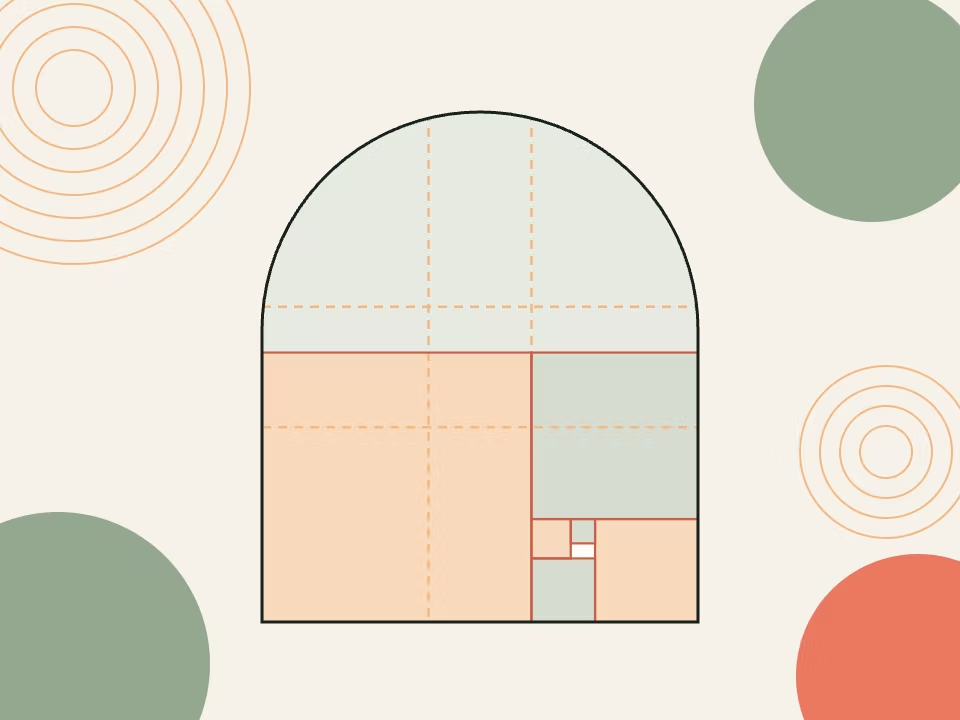
Free golden ratio face mask: upload a photo, overlay a phi proportion grid on it, set the opacity and download the result as a PNG.
Open tool →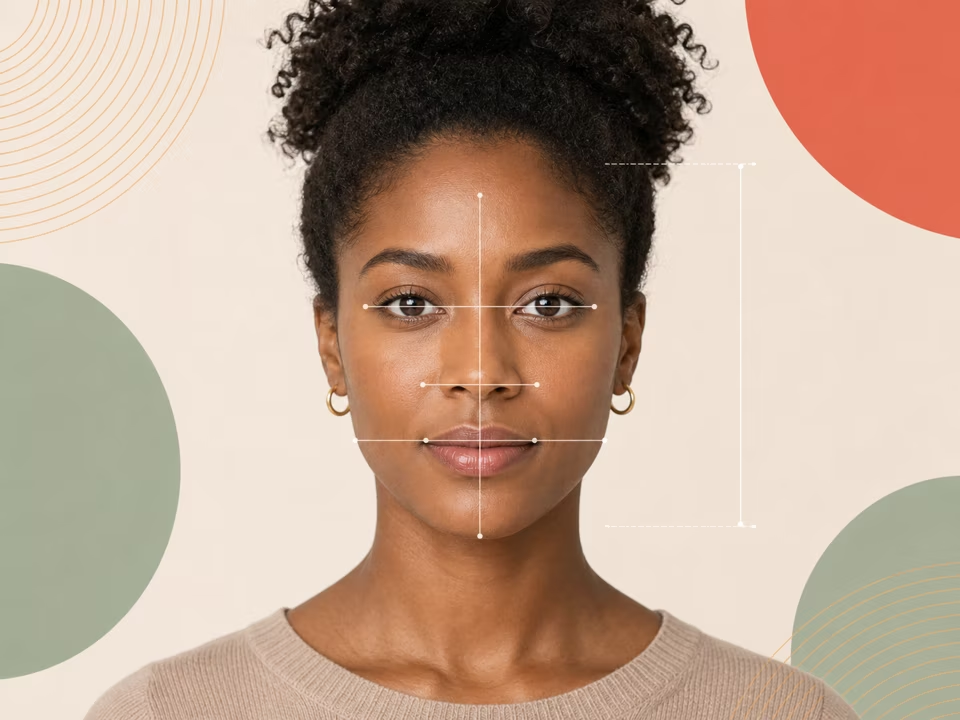
Free face ratio calculator: upload a photo to measure your facial proportions — thirds, fifths-related eye spacing and feature widths — with an annotated image.
Open tool →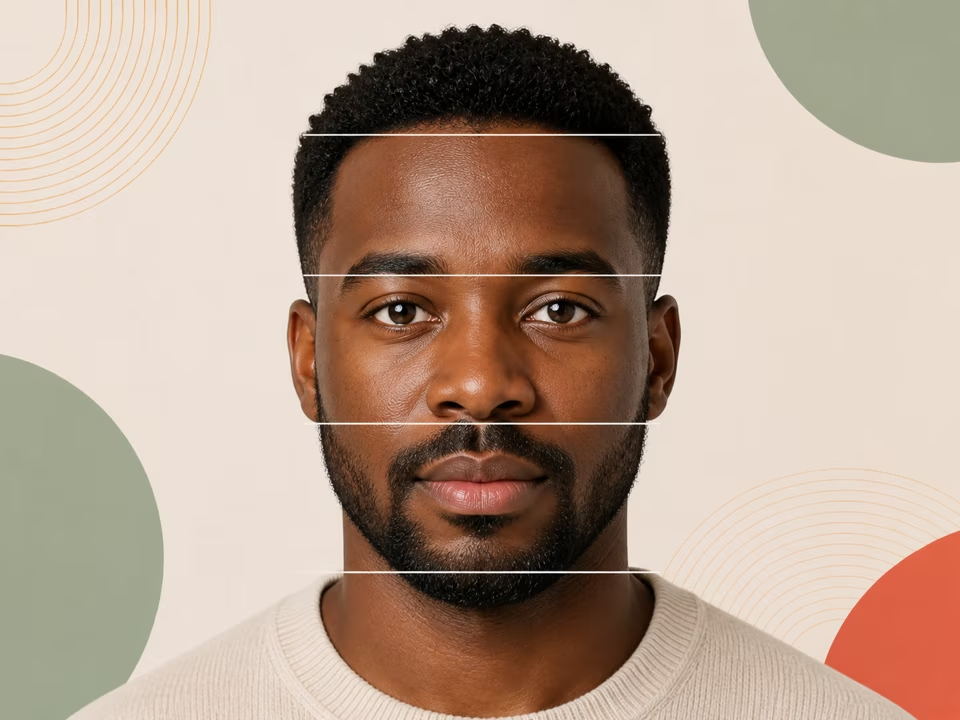
Free facial thirds calculator: upload a photo to measure your upper, middle and lower thirds as percentages and see how far each sits from the 33/33/33 reference.
Open tool →