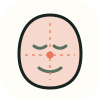
Bizygomatic width
The visible cheekbone-to-cheekbone width at its widest measured point.
fWHR is bizygomatic width divided by upper-face height. Upload a photo and this calculator measures both, prints them, and shows where the result sits relative to published adult ranges.
Analyze a photo →Upload a front-facing photo — cheekbone width and brow-to-lip height are measured locally and reported next to the ratio.
Front-facing, neutral expression, even light. JPG, PNG, WebP, HEIC or HEIF up to 10 MB.
or drag and drop it here
A typical first run loads about 15 MB of model/runtime files, then the browser caches them. Nothing is submitted to our analysis API.
The first run can take a moment. Your photo remains on this device.
Your photo and landmarks stay in page memory and are cleared when you reset or leave. Face-shape tools keep a small result summary in this tab for up to 30 minutes so you can continue to hairstyles or glasses. Clear the result to remove it.
The output is built from inspectable photo geometry and a separate image-quality signal.
The visible cheekbone-to-cheekbone width at its widest measured point.
The vertical distance from the brow line down to the top of the upper lip.
The value is compared with the selected 1.7–2.1 guide range used by this calculator; it is not a population norm.
A local model places the cheek, brow and lip landmarks.
The height is taken in an eye-line-aligned frame to reduce roll sensitivity.
Width divided by height produces the scale-independent fWHR.
Research linking fWHR to behaviour or personality is contested and has failed to replicate consistently; treat it as a measurement, not a prediction.
Soft-tissue landmarks in a photo are not the skeletal points used in the original studies.
Weight, age, expression and camera perspective all move the visible ratio.
Facial width-to-height ratio: the width of the face across the cheekbones divided by the height from the brow line to the upper lip. It is a proportion measurement, usually falling between about 1.7 and 2.1 in adults.
No conclusion you should rely on. The studies that popularised that idea have been widely challenged and have not replicated reliably. This page reports the geometry only.
Smiling widens the visible cheek line, and camera distance changes vertical compression. Use a neutral expression and consistent framing when comparing values.
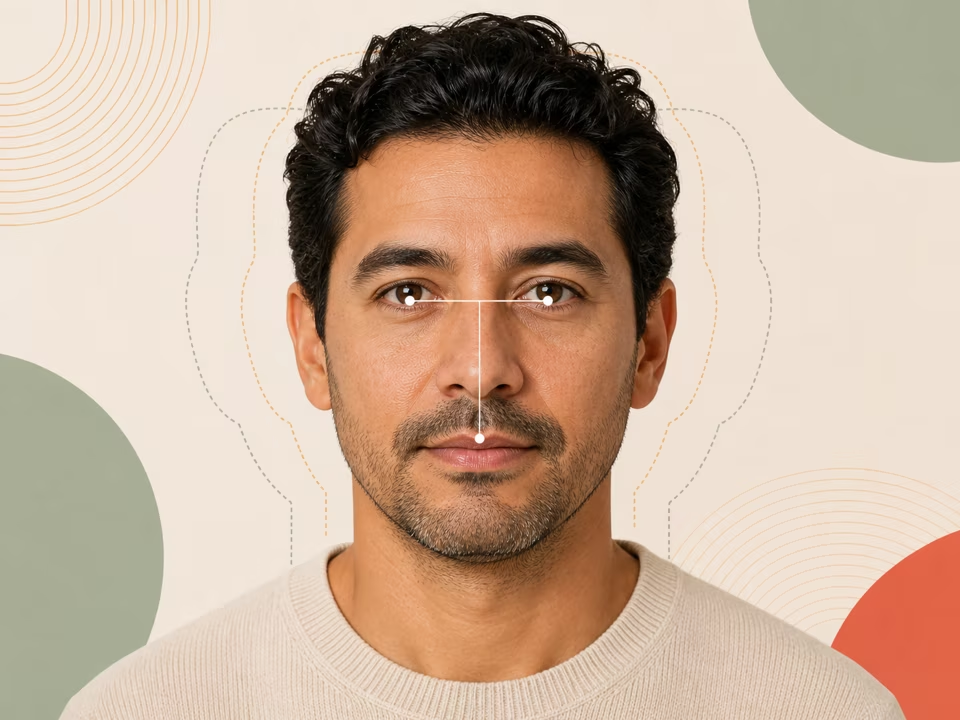
Free midface ratio calculator: upload a photo to check whether your midface is long, short or balanced, with the exact definition and both pixel distances shown.
Open tool →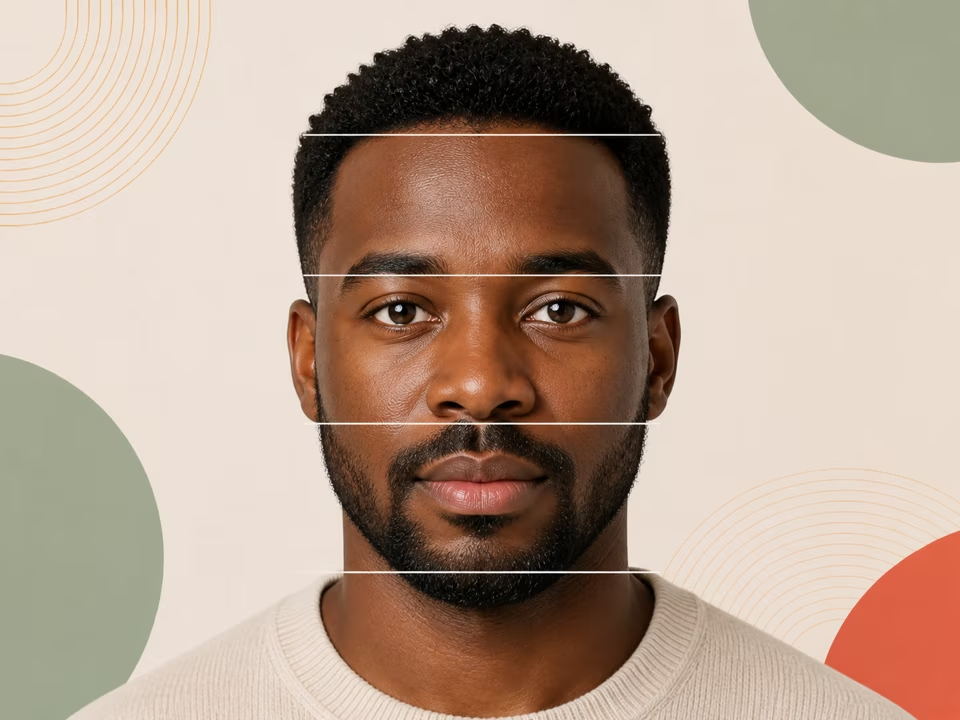
Free facial thirds calculator: upload a photo to measure your upper, middle and lower thirds as percentages and see how far each sits from the 33/33/33 reference.
Open tool →
Analyse a side-profile photo for gonial angle, nasofrontal angle, nasolabial angle, facial convexity and lip position against the E-line.
Open tool →