Two eye angles
Measures each outer corner relative to its corresponding inner corner.
Upload a front-facing photo to calculate left, right and average visible canthal tilt. Positive, neutral and negative are geometric direction labels — not ratings — and both eyes are measured in your browser.
Analyze a photo →Upload a front-facing photo — the browser measures both eyes locally and displays the exact photo angles.
Front-facing, neutral expression, even light. JPG, PNG, WebP, HEIC or HEIF up to 10 MB.
or drag and drop it here
A typical first run loads about 15 MB of model/runtime files, then the browser caches them. Nothing is submitted to our analysis API.
The first run can take a moment. Your photo remains on this device.
Your photo and landmarks stay in page memory and are cleared when you reset or leave. Face-shape tools keep a small result summary in this tab for up to 30 minutes so you can continue to hairstyles or glasses. Clear the result to remove it.
The output is built from inspectable photo geometry and a separate image-quality signal.
Measures each outer corner relative to its corresponding inner corner.
Labels averages above +2° positive, between −2° and +2° neutral, and below −2° negative.
Shows whether pose or natural difference produces unequal photo angles.
Inner and outer corner landmarks are detected for both eyes.
The calculation uses image-pixel coordinates and reports eye-line roll separately.
The average is assigned a plainly defined directional band.
Canthal tilt in a photograph is affected by head roll, yaw, lens distortion and expression.
The result is not a clinical measurement and cannot assess eyelid function or eye health.
Positive, neutral and negative describe direction only; none is inherently better.
In this calculator it means the visible outer eye corner is more than 2° higher than the inner corner.
Natural asymmetry is common, and even small head rotation can make the photo angles differ.
No. It is a non-medical photo geometry tool.

Free eye shape detector: upload a photo to estimate almond-like, round-like or narrow-like eye geometry from width, opening, tilt and side-to-side agreement.
Open tool →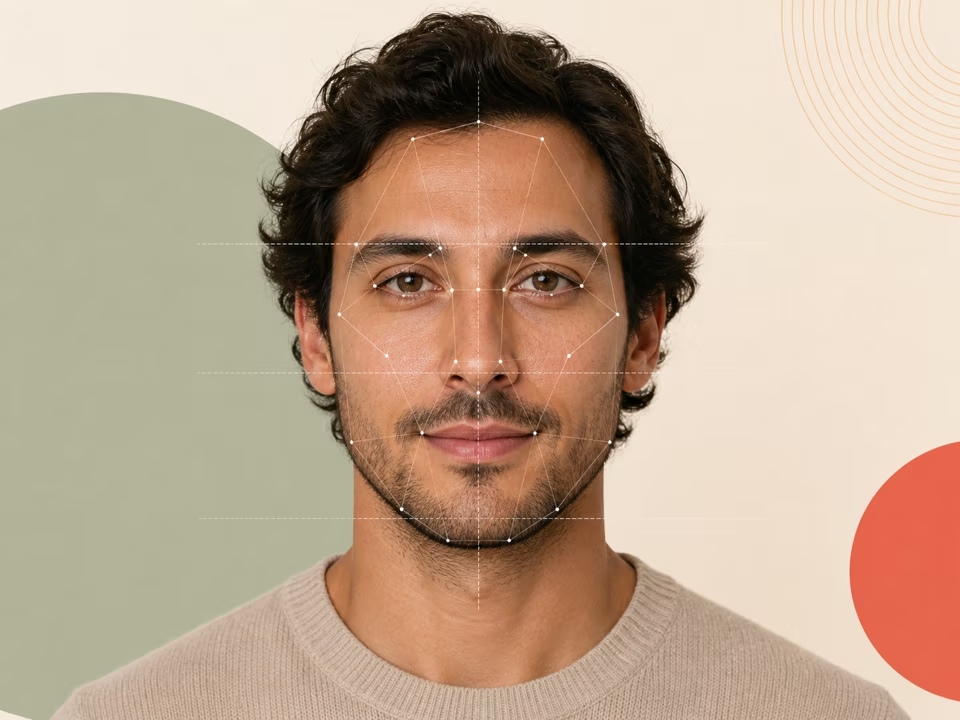
Free face symmetry test: upload a photo and check how symmetrical your face is region by region, with pose correction and an annotated overlay.
Open tool →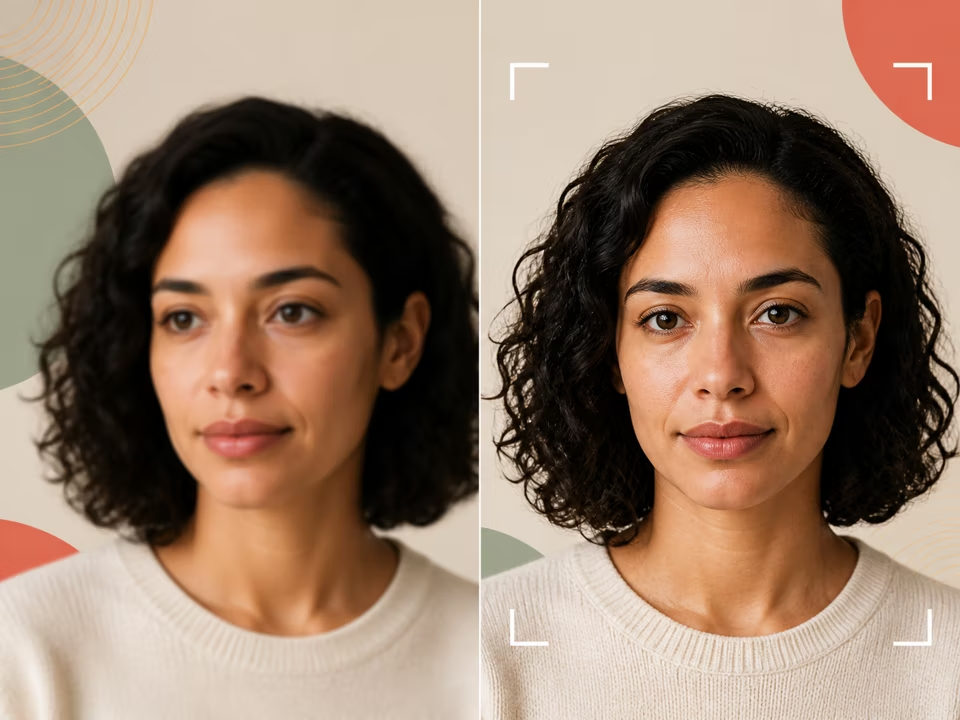
Free photo quality checker: upload a photo to check brightness, contrast, sharpness, face coverage and pose before you use it for face analysis.
Open tool →