Pixels
Estimates average brightness, tonal contrast and local edge sharpness.
Upload a photo to find out whether it is suitable for the site's geometry tools before you interpret any result. You get specific retake suggestions rather than a vague pass or fail, and the pixels never leave this page.
Analyze a photo →Upload the photo you plan to analyse — pixel statistics and face landmarks are processed locally and the image never leaves this page.
Front-facing, neutral expression, even light. JPG, PNG, WebP, HEIC or HEIF up to 10 MB.
or drag and drop it here
A typical first run loads about 15 MB of model/runtime files, then the browser caches them. Nothing is submitted to our analysis API.
The first run can take a moment. Your photo remains on this device.
Your photo and landmarks stay in page memory and are cleared when you reset or leave. Face-shape tools keep a small result summary in this tab for up to 30 minutes so you can continue to hairstyles or glasses. Clear the result to remove it.
The output is built from inspectable photo geometry and a separate image-quality signal.
Estimates average brightness, tonal contrast and local edge sharpness.
Checks visible face coverage and source resolution.
Reports eye-line roll and a nose-offset yaw proxy.
The browser reads a bounded set of image pixels without uploading them.
A local landmark model checks face count, coverage and visible pose.
Low signals are translated into specific lighting, focus or framing suggestions.
Sharpness is a lightweight edge estimate, not a full optical quality assessment.
The checker cannot detect every obstruction, beauty filter or source-image edit.
A high score improves measurement repeatability but does not guarantee identical results.
High is ideal. Moderate can still work, but follow any pose or sharpness notes before comparing results across photos.
Very tight crops can hide the forehead or chin contour and leave too little context for stable landmarks.
No. This checker reads pixels and runs landmark detection locally in your browser.
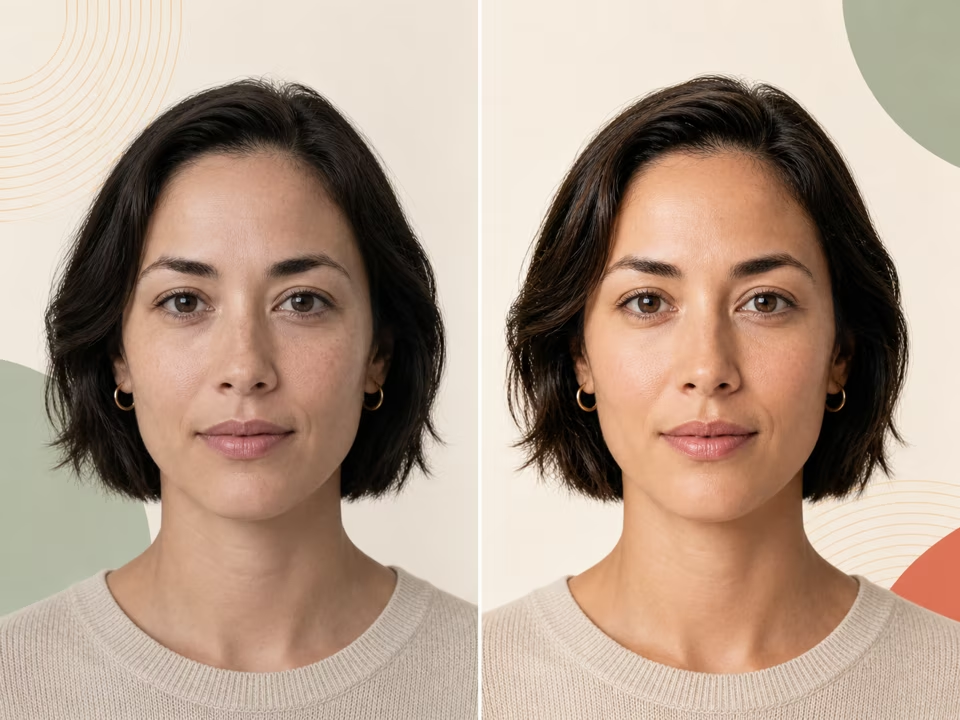
Upload two photos and see which one presents better, broken down by lighting, sharpness, head angle and framing.
Open tool →
Run two or three photos of the same face to see how much of a score change is the face and how much is the photography.
Open tool →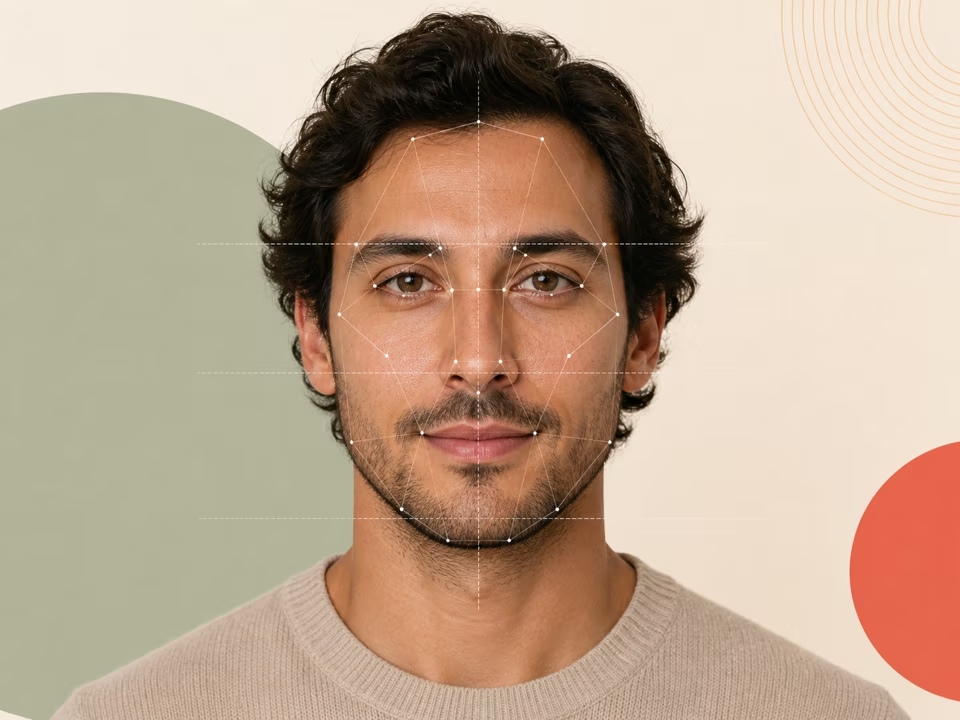
Free face symmetry test: upload a photo and check how symmetrical your face is region by region, with pose correction and an annotated overlay.
Open tool →